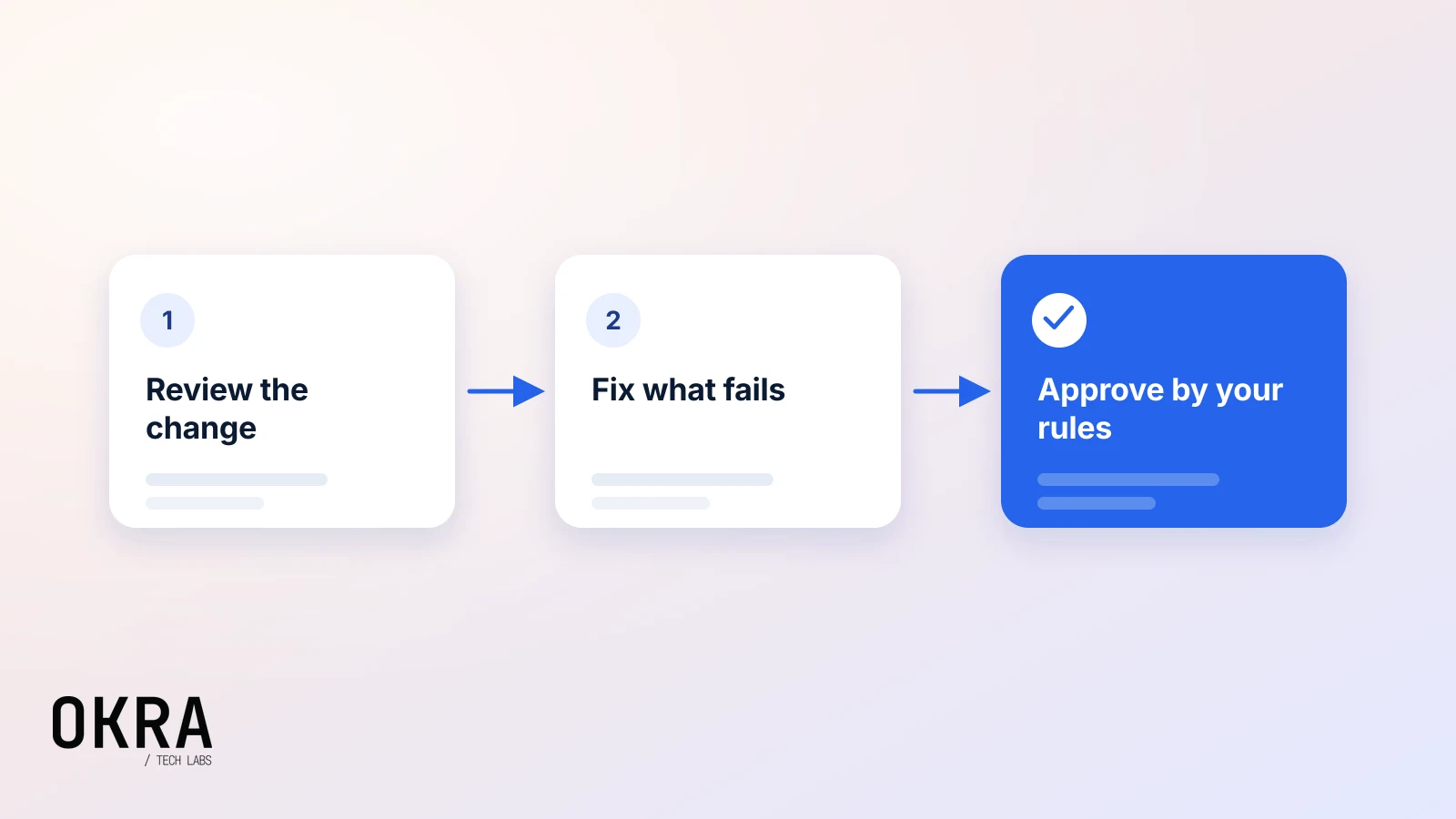
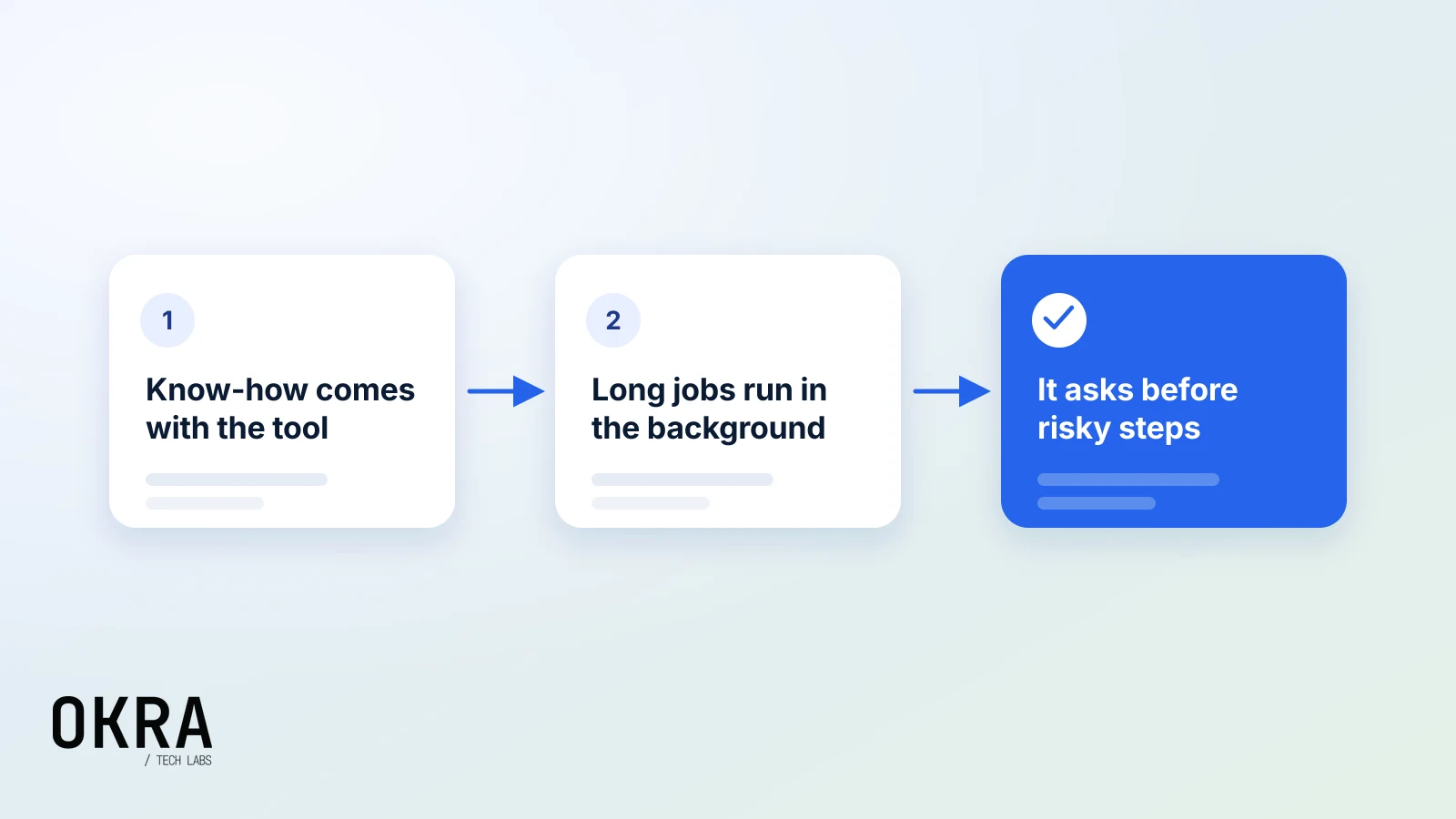
On 24 November 2026 Anthropic announced that the connectors linking Claude to business software can now ship their own instructions (Skills over MCP, public beta), run long jobs in the background (Tasks) and pause to ask a person before costly or destructive actions (Elicitation). Test it first on one connector your team already uses, with one repeatable job, and read every confirmation prompt before anyone clicks yes.
On 24 November, Anthropic announced three changes to how Claude works with other software. Its announcement says the connectors that link Claude to business tools can now bring their own instructions, run long jobs in the background, and stop to ask a person before a risky step.
That sounds technical, but the effect is practical. Until now, connecting Claude to your CRM or your online store gave it the buttons and no manual. Someone on your team had to explain, in every prompt, how the work is done properly. Now the company that makes the tool can supply the manual with the connector. Here is what launched, five uses worth testing, and what to check first.
What launched
A short piece of background. MCP, the Model Context Protocol, is the open standard that lets an AI assistant use outside software. A connector (an "MCP server") is the piece that links Claude to one tool. Anthropic's announcement says there are now over 10,000 such connectors for Claude.
Four things were announced, and they are at different stages:
- Skills over MCP (public beta). A connector can publish skills next to its tools. A skill is written guidance for multi-step work: best practices, a step-by-step workflow, or a playbook that fits your account. Claude loads a skill only when a job needs it, and the skill is updated whenever the connector is. You install nothing extra.
- Tasks (generally available). A connector can run a slow job, or a whole agent of its own, in the background. Claude carries on with other work and picks up the result when it is ready.
- Elicitation (generally available). Before an action that needs sign-off, such as spending money or deleting data, the connector pauses and asks the user through a form or a link. Then it continues from where it stopped.
- File uploads (not live yet). Anthropic says Claude will soon be able to hand PDFs, spreadsheets and images straight to a connector.
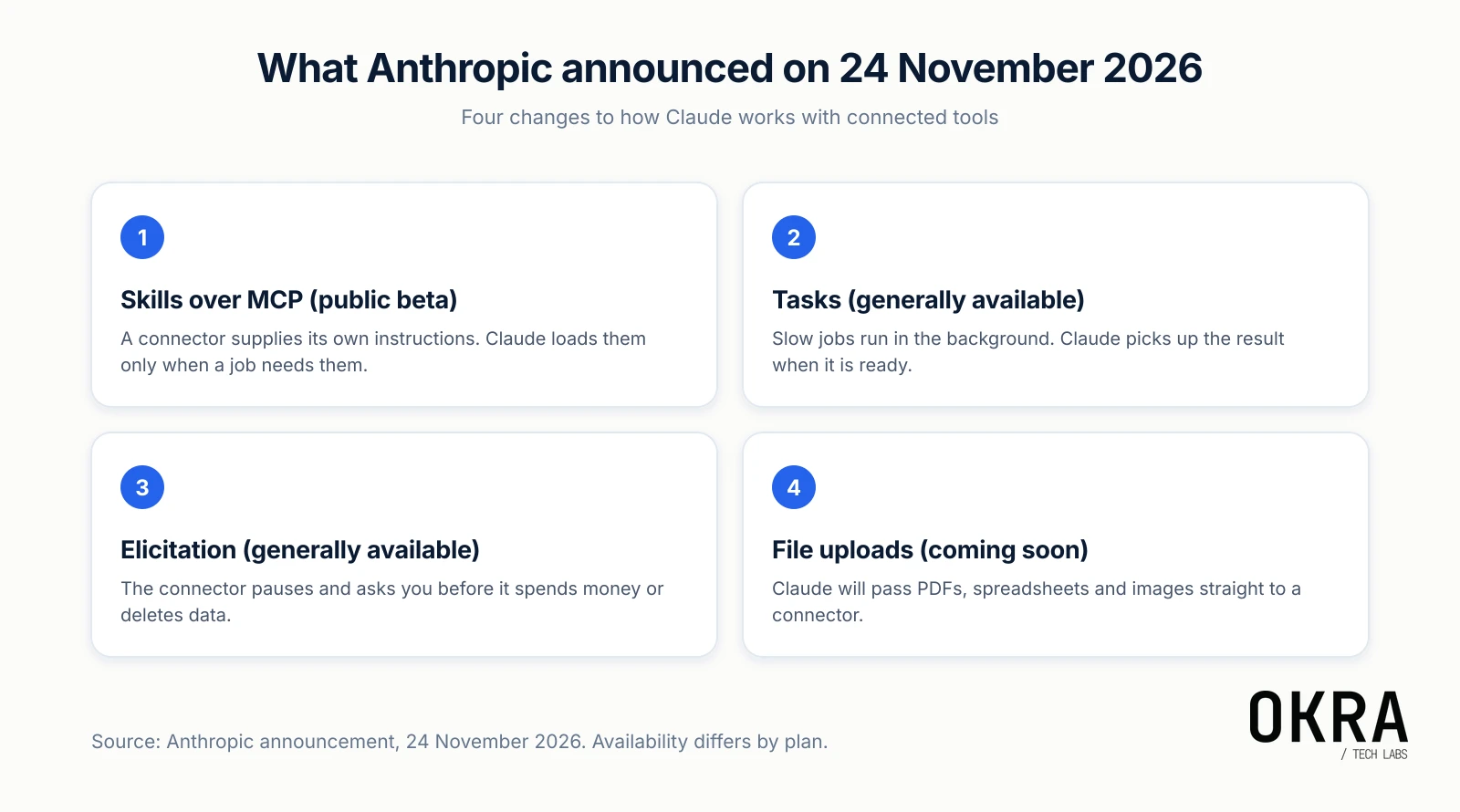
On plans, the announcement says Skills over MCP is on by default for Pro, Max and Ultra, available to Team plans once an admin enables it, and coming later to Enterprise. Tasks and Elicitation are available on Pro, Max and Ultra and are rolling out to Team and Enterprise.
These features belong to the open MCP standard and its extensions, not to Claude alone. Anthropic says connectors built this way work in other compatible AI apps too.
Five business uses worth testing first
1. Multi-step setup work in a tool you already pay for
Anthropic's examples include a store connector with skills for designing and updating a shop end to end, and a CRM connector with skills for customer onboarding and setup. The pattern is the same: work with many steps in a fixed order, where the tool's maker knows the right order better than a general assistant does.
Example (illustrative): a small brand asks Claude to add a new product line to its store. The connector's skill supplies the steps: products, variants, collections, shipping rules, then a check of the storefront.
Keep a person on: the final look before anything goes public.
2. Research that used to take ten prompts
With Tasks, a connector can do deep work in one request and report back. Anthropic's example is a sales-data connector that runs longer account and contact research, which earlier needed several prompts in a row.
Example (illustrative): before a sales meeting, someone asks for a brief on one account. The research runs in the background while they keep writing the proposal in the same conversation.
Keep a person on: checking the facts in the brief before it reaches a customer.
3. A confirmation step before money is spent or data is deleted
This is the use we would turn on first. Anthropic's examples include a database service that confirms the cost before creating a paid project and before running destructive commands, and a code host that makes the user type a repository's name before an agent deletes it.
For a business owner, this answers a common worry about AI agents: that one will do something expensive or permanent on its own. With Elicitation, the tool itself stops and asks.
Keep a person on: actually reading the prompt. A confirmation that people click through without reading protects nothing.
4. Reports that need your organisation's context
Another of Anthropic's examples is a work-management connector that supplies organisational context for insights and analysis. A skill can explain how the data in that tool is structured, so a weekly project summary or a list of stuck work is built the same way each time.
Example (illustrative): every Monday, a manager asks for open work that has been waiting longest, grouped by team.
5. Less prompt-writing for your own team
Many teams keep long prompts in a shared document: "when you update the CRM, do it this way". If the connector now carries that guidance, some of those prompts can be retired. What should remain is the part that is truly yours: your approval rules, your tone, your definitions. For more on where instructions should live, see our guide to prompts, retrieval and fine-tuning.
What to check before you turn it on
Who wrote the instructions. A skill comes from the company that runs the connector, and that company can change it. Reporting on the Claude Code documentation by Sulat AI and Tech News notes that servers can change their skills at any time and that the guidance is to add only servers you trust. Treat a new connector the way you treat new software.
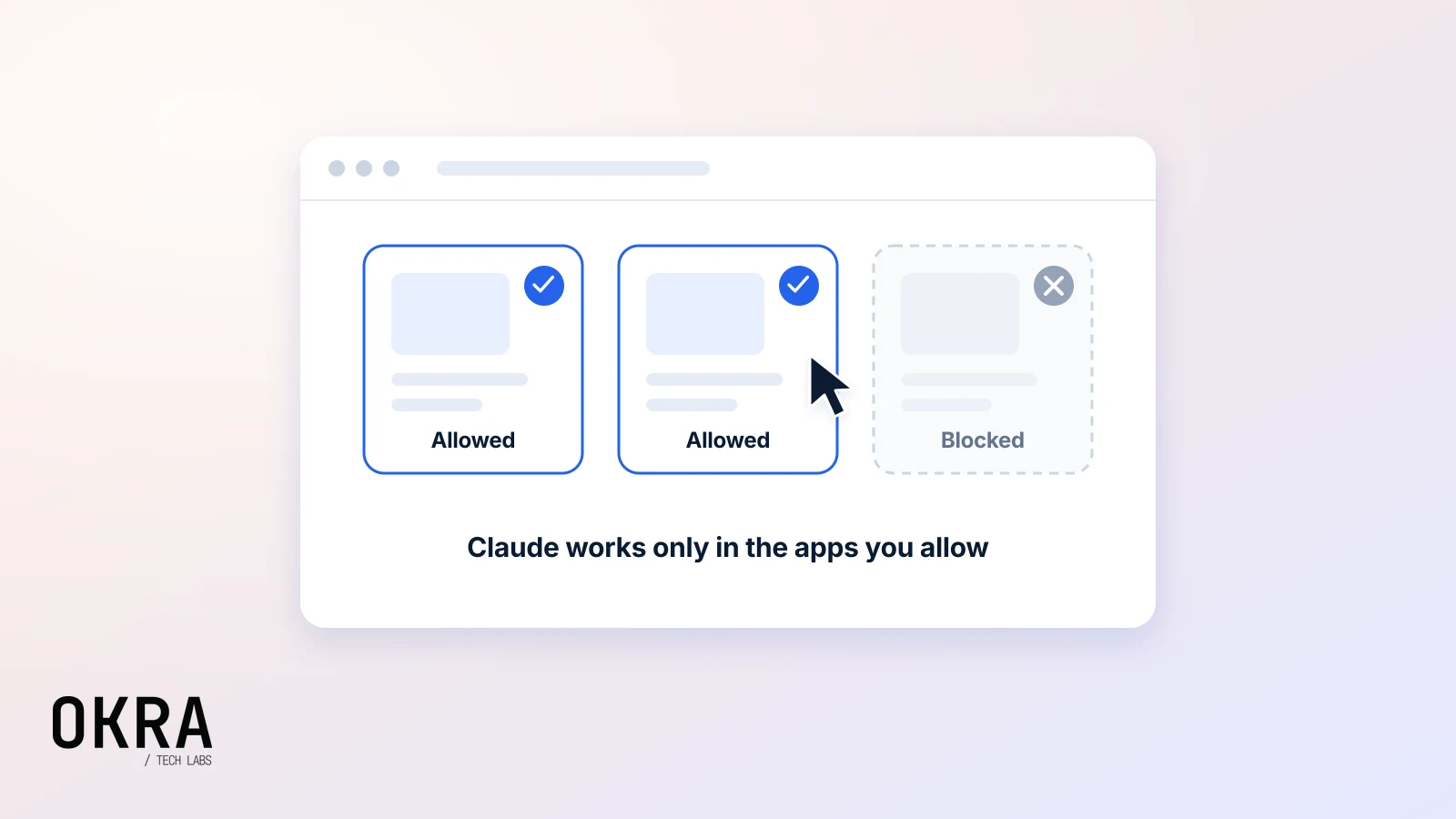
Who can connect what. On Team plans, the feature stays off until an admin enables it. Decide which connectors are allowed before people start adding their own.
What each connector can touch. A connector that can read your customer list is handling personal data. For Indian companies this is a legal matter as well; see our post on the DPDP Rules and AI systems.
Whether your tools support it yet. The feature only helps if the connector for your tool ships skills. Many do not yet, and this part is still a beta, so behaviour can change.
A rollout list
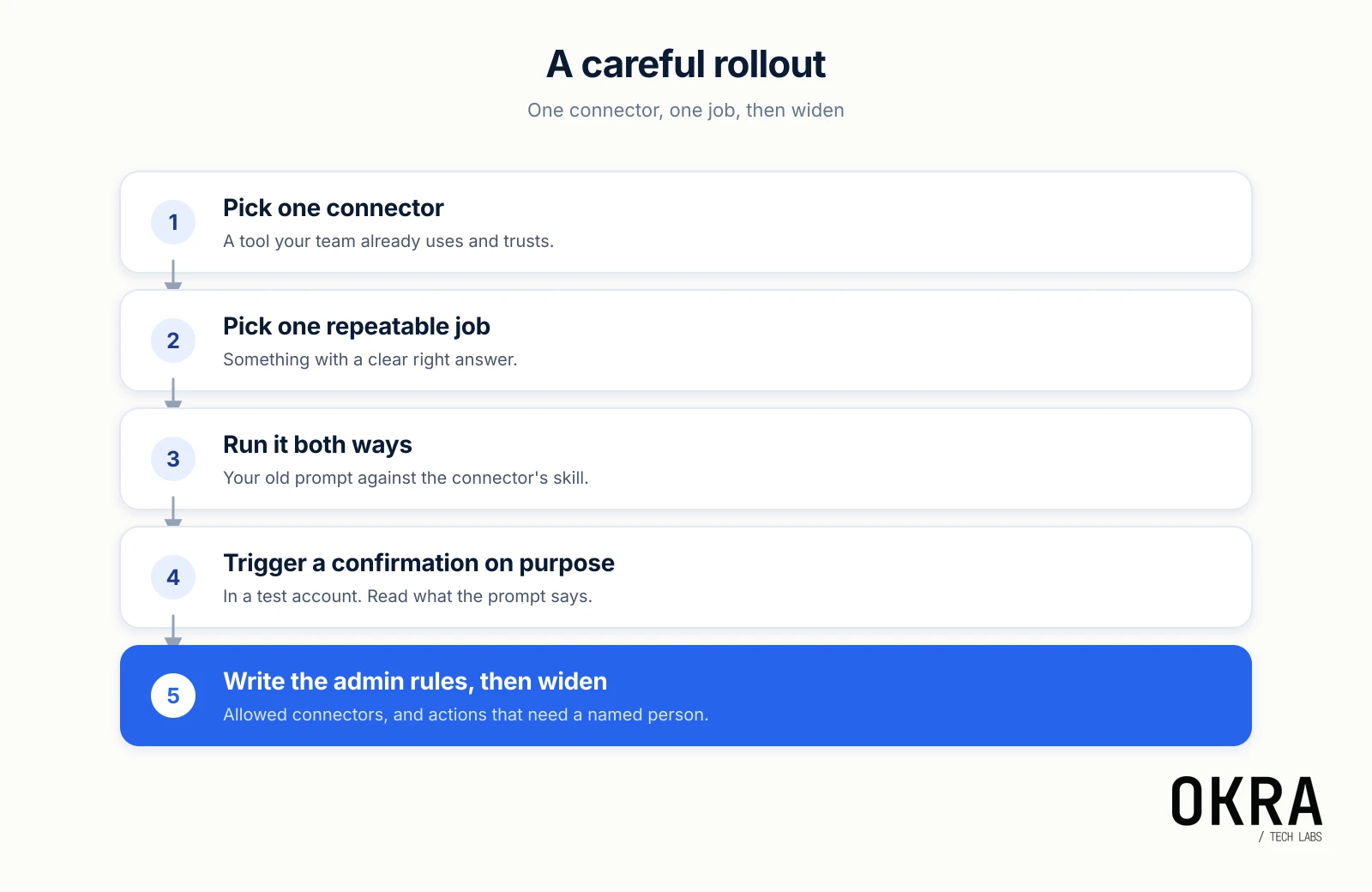
- Pick one connector your team already uses and trusts.
- Pick one repeatable job in that tool, with a clear right answer.
- Run it both ways. Compare the result with your old prompt and with the connector's skill.
- Trigger a confirmation on purpose. Ask for something that costs money or deletes data in a test account, and see what the prompt says.
- Write the admin rules, then widen: which connectors are allowed, and which actions always need a named person.
If you are building your own AI system
There is a lesson here beyond Claude. The useful part of an AI system is rarely the model alone. It is the tools it can use, the written know-how for using them, and the points where it must stop and ask. Those three things are now part of an open standard, so they can be designed once and reused.
If a team builds agents for you, ask them where the instructions live, which actions need confirmation, and what happens when a long job fails halfway. Our guides to agents, chatbots and workflow automation and to testing an AI system before launch cover the rest.
Questions people ask
What is Skills over MCP?
It is a feature Anthropic announced on 24 November 2026. A connector (an MCP server) that links Claude to a business tool can now supply its own skills: written instructions for multi-step work in that tool. Claude loads a skill only when a job needs it, and the skill updates when the connector does.
What do Tasks and Elicitation do?
Tasks let a connector run a slow job in the background while Claude carries on, and hand back the result when it is ready. Elicitation lets a connector pause and ask the user for input or sign-off, through a form or a link, before it does something such as spending money or deleting data.
Which Claude plans have these features?
According to Anthropic's announcement, Skills over MCP is in public beta in Claude and Claude Code, switched on by default for Pro, Max and Ultra plans, available to Team plans once an admin enables it, and coming later to Enterprise. Tasks and Elicitation are generally available on Pro, Max and Ultra and are rolling out to Team and Enterprise.
Is it safe to let a connector bring its own instructions?
Treat it like installing software. The company that runs the connector writes the instructions and can change them, so connect only tools you already trust, let an admin decide which connectors are allowed, and keep a person on anything that spends money, deletes data or touches personal information.